




- get all (really ALL) graphical files from a smartphone or tablet
- SAAM can explore and view all images on your device
also ones that you can not access by root - set quality/size for the images before you get them out a device
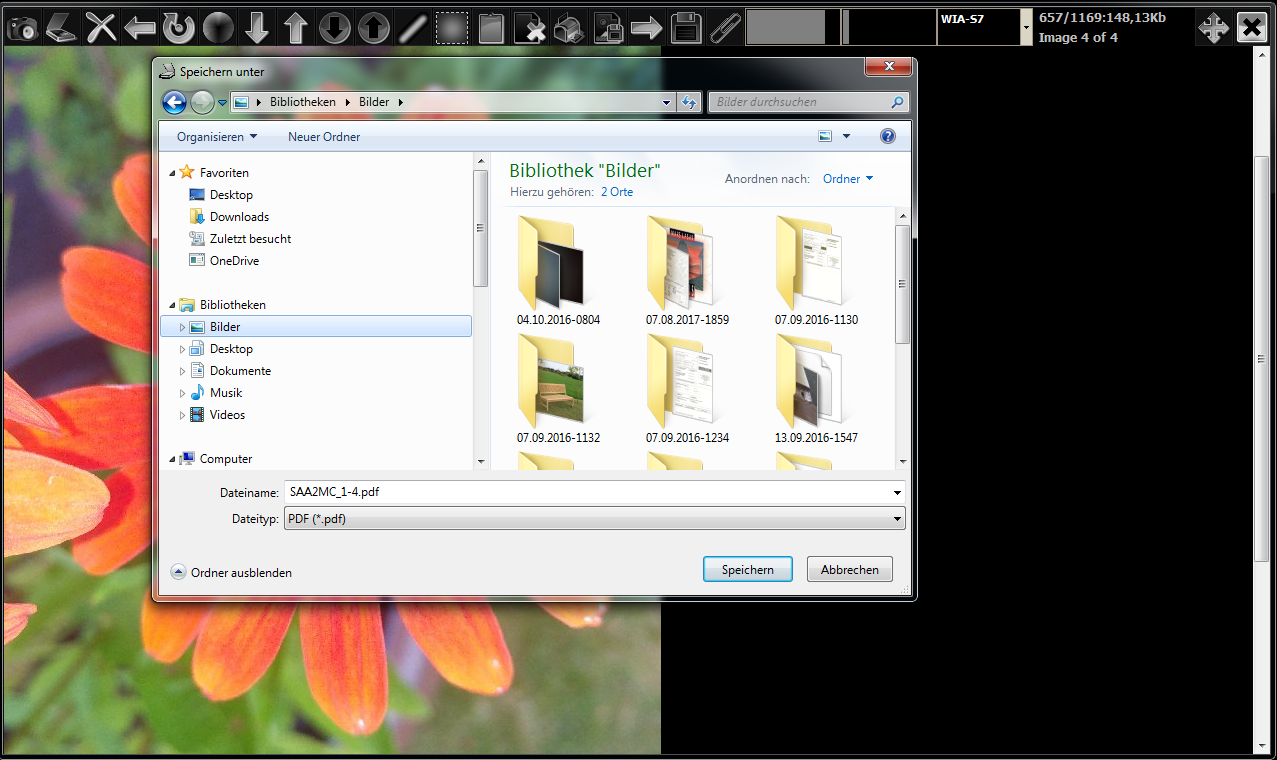
- save each/all as jpg or all in one pdf or transfer a range attached as an e-mail
- also you can import images, modify them save or store them in a pdf file
- change each image in quality, saturation, brightneass, rotation and others
- use SAAM just as an ordinary program for scanning your documents or photos
do it like a forensic scientist!
connect your phone or tablet device to your pc
if available – choose file or image transfer
open SAAM and choose your device in the menu
finally read the program instructions in SAAM
pdf creation is part of the synopse framework (LGPL 2.1)
download installer for windows 32 or 64bit
thunderbird or postbox mail client is required to attach image or pdf to an e-mail
[saam_setup.zip]
[saam_setup.rar]
[saam_setup.7z]
[saam_setup.exe]
